
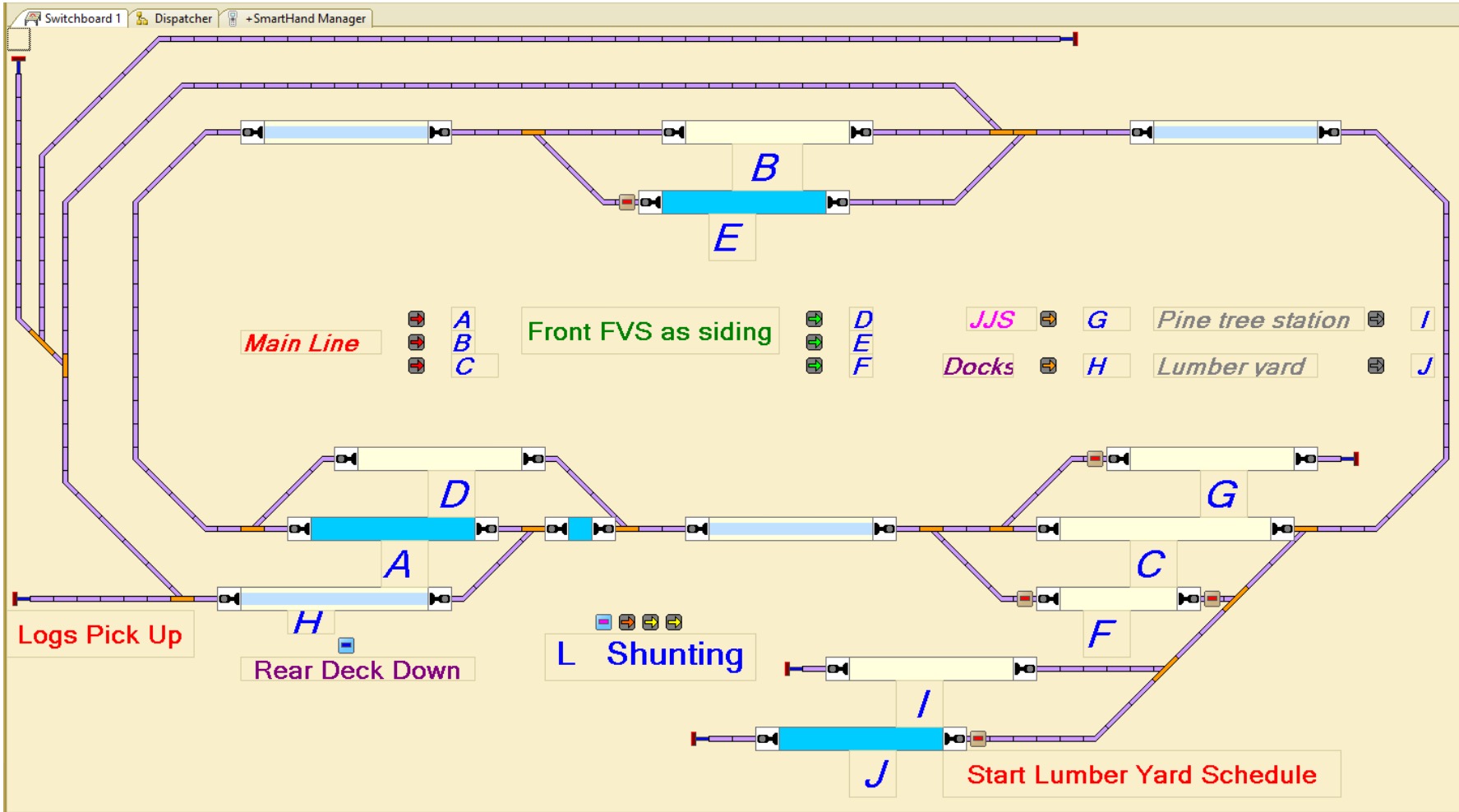
Well this has taken a long time – to work out a system to have 2 Locos driven automatically by train controller while I drive one Loco manually. I have tried all sorts of systems with all sorts of control buttons everywhere. But I found all these forms to hard to undertake and easily use. So I have come to my current system which is proving far supieror to the other things I have tried. I have created a route which I can switch with a keyboard shortcut. The route has 3 sections, each has a current sensor, with the middle of the 3 sections being either the siding or main track where a train can pass. This means when a train enters section 3 after having gone through section 1 & 2. I can decide the path through the next passing area (luckily this worked out for me with how passing sidings were located) Generally as I have learned to operate with this method I have found it very successful and easy to use.
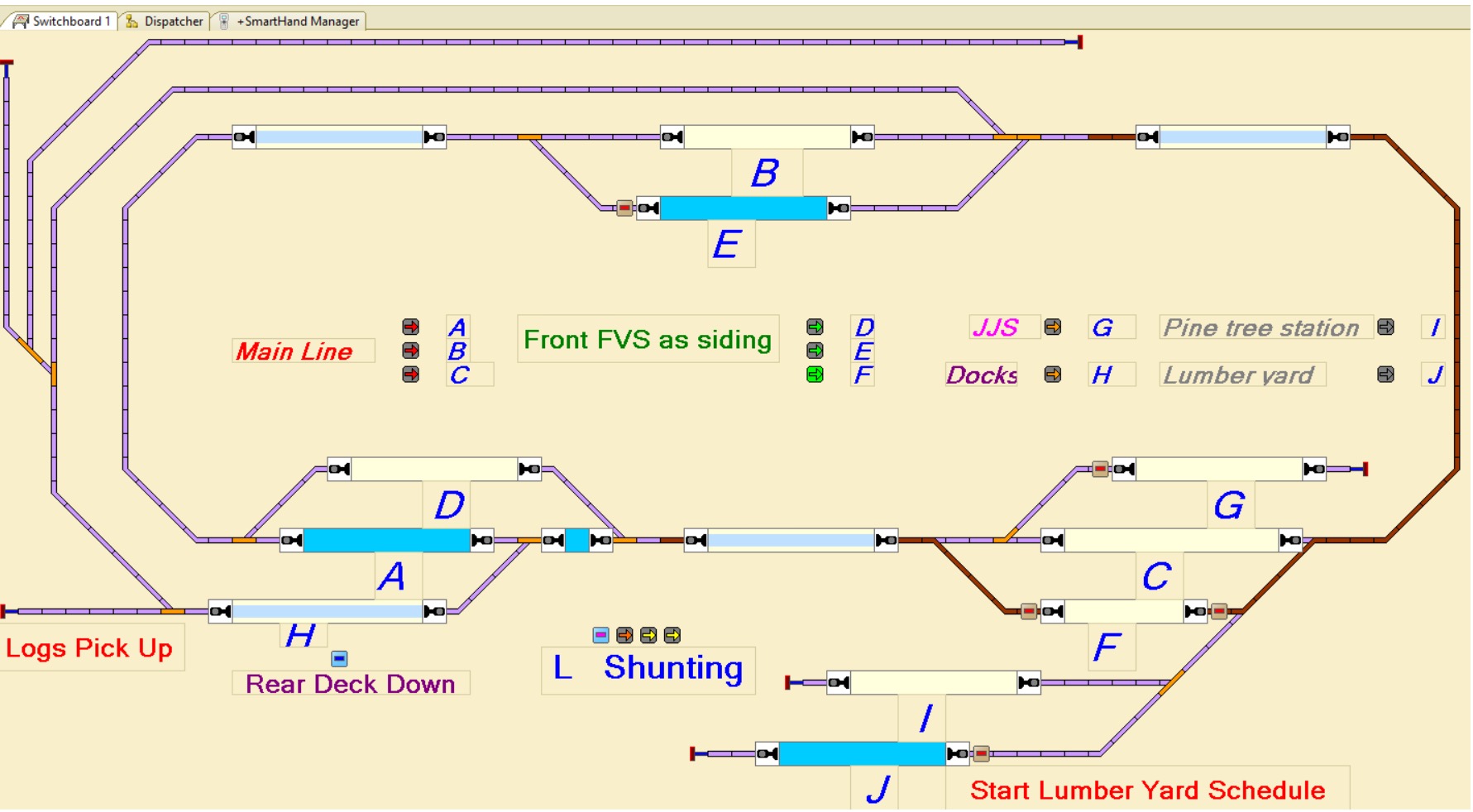

When shunting, I have a number of single routes that are enabled with just keystroke
 Jacaranda Junction Model Railway